

Thank you for joining me to talk about all the interesting things we can do with InDesign! I had a great time, and I hope you did, too. Below are some resources for learning more ways to use InDesign for various projects, along with the slides and handouts from the meeting. Enjoy!
resources: links
Adobe.com: InDesign user guide
helpx.adobe.com/indesign/user-guide.html
Default keyboard shortcuts
helpx.adobe.com/indesign/using/default-keyboard-shortcuts.html
keyboard shortcuts cheat sheet
99designs.com/blog/tips/shortcut-cheat-sheet-adobe-indesign/
5 Beginner tools
indesignskills.com/tutorials/5-indesign-beginner-tools/
InDesign cheat sheet (PDF)
bringyourownlaptop.com/resources/indesign
New features in InDesign CC 2018
adobe.com/products/indesign/features.html
InDesign introduction and a huge list of resources
digital.com/blog/indesign/
resources: cheat sheets


resources: PDFs
These PDF files are by JetSetCom.net and TrainingOnsite.com.

23 Presets, Styles, and Automations for InDesign CC 2018
MAC PDF | WINDOWS PDF
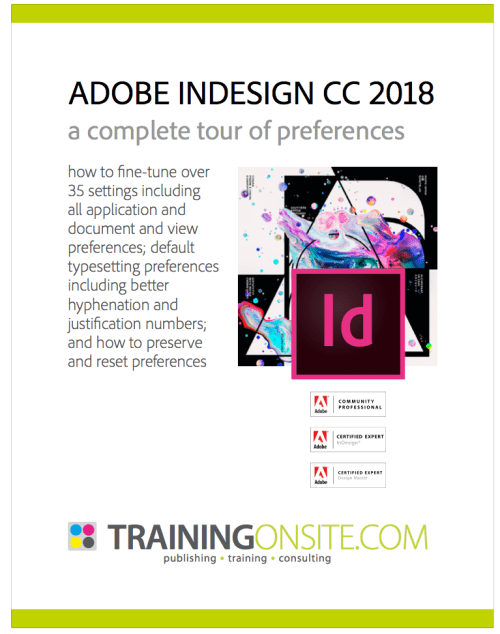
Adobe InDesign CC 2018: A Complete Tour of Preferences
PDF (MAC / WIN)
PowerPoint Slides
 rubicat
Thanks for a great presentation! – Brad